case study


Scheduling Instagram posts in 2026 boosts consistency and engagement. By planning posts in advance, you save time, reach your audience at optimal times, and improve content quality. Follow best practices like using relevant Instagram hashtags, analysing performance, and staying flexible to grow your brand effectively on Instagram.
In 2026, managing your Instagram account effectively means more than just posting content on a whim. It is instrumental to schedule Instagram posts to maintain consistency, save valuable time, and reach out to your audience at just the right time.
With years of experience as a digital marketing and social media management agency, we know how important it is to have a streamlined process for scheduling and managing content. With this blog on Instagram post scheduling, we will go over the process itself, the tools that you need to make it happen, and much more.
In the fast-paced world of social media, consistency is crucial when it comes to creating a strong brand presence. Here’s how scheduling Instagram posts can help you succeed:
The Instagram algorithm rewards consistency in posting. Those who interact with their audience consistently are favoured by the Instagram algorithm and may even receive promotion in their newsfeed or recommendations from other users. Moreover, if you schedule your Instagram posts, it will help you with consistent posting without worrying about doing it manually daily.
Instead of rushing to create posts every day, scheduling gives you more time to focus on content planning, audience engagement, and building a stronger social media strategy. Whether you manage a single account or multiple brand profiles, scheduling helps maintain consistency, improve productivity, and make your overall marketing efforts more efficient and organized.
Your followers do not always find themselves online when you post something. Scheduling posts helps you ensure that your followers will see your post at the right moment when you expect them to interact with your post.
If you schedule Instagram posts in advance, it becomes easy for you to create content in batches. This means you can create all your content for one week or even a month in one sitting. This way, your content is organised, messaging is consistent, and you stay stress-free.
If you are launching any deals or products, then scheduling helps you plan them ahead of time and ensure that you do not miss out on promoting them. Also, you can monitor campaign performance and adjust as needed.
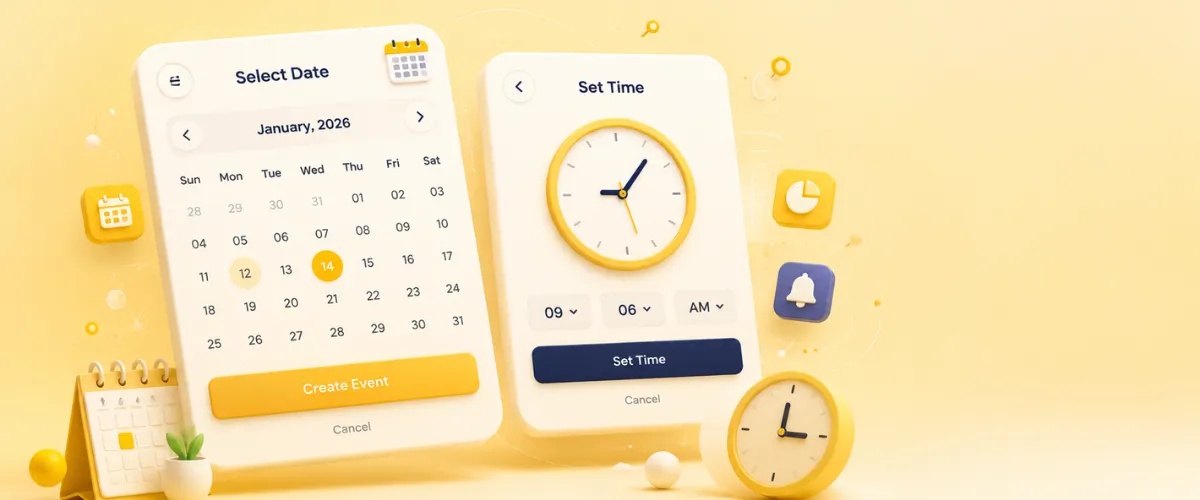
Instagram offers an easy process for scheduling posts via its application. Even though this service is available exclusively for business and creator accounts, there are no difficulties in using this method without relying on external resources.
All you have to do is:
Note: With a professional Business or Creator account, Instagram allows you to schedule up to 25 posts or reels per day and up to 75 days in advance.
Meta Business Suite can be a good choice if you want to schedule Instagram posts from a desktop. It allows you to connect Instagram to Facebook, thus providing an effective way to manage your posts.
This can be a good approach for businesses looking to schedule posts and manage marketing campaigns from a centralised location.

For you to leverage scheduled posts effectively on Instagram, you need to adhere to certain strategies as follows:
Since your target audience is diverse in terms of geographical locations, it will be important to understand their time zones. This can be achieved by the use of the insights section within Instagram and other third-party tools.
Create content during specific days and schedule the content creation process for the entire week. Batch creating content allows you to maintain consistency and ensures your posts are polished, without the pressure of creating something new every day.
Don’t just stick to static images. Videos, carousels, Reels, and Stories can all be used to add variety to your posts. This type of approach will keep your page interesting while also giving clear indications to the algorithm that you’re an active content creator.
By analysing data on when your followers are online or by using third-party tools for scheduling posts, you can increase your post performance.
Make sure that your posts correspond to the visual appearance of your brand. Consistency in visuals, tone, and messaging helps strengthen your identity and makes your posts more recognisable.
Hashtags are still one of the most effective means of making your posts more visible on Instagram. It is important to conduct proper research about relevant Instagram hashtags that will match your content and audience during the scheduling process.
It is important to keep in mind that posting at certain intervals does not mean forgetting about your post after publishing it. You need to interact with your target audience by answering their comments and direct messages. This boosts engagement, which is crucial for maintaining visibility.
Although it is essential to follow a specific schedule, it is equally important to be flexible and make adjustments according to trends and other important events.
Keep an eye on the results of your planned posts in order to find out how successful your strategy was and whether it needs any changes. Tracking engagement, reach, and audience behaviour also helps brands improve their overall Instagram marketing strategy and optimize content for better AI search visibility.
Scheduling your Instagram posts in 2026 isn’t just a time-saver; it’s a necessity. By learning how to plan and automate your posts, you will not only enhance your consistency but also boost your engagement on the platform. Your efforts will pay off and help build a brand.
By learning how to schedule your Instagram posts, your brand will be able to achieve a lot when it comes to social media marketing. Mastering how to schedule Instagram posts is a must for any brand serious about growth on Instagram in 2026. You can use different tools to schedule your posts either manually or through other advanced platforms to ensure consistency.
Are you ready to become a better Instagrammer? Scheduling your posts today will prove helpful in many ways. Need the professional input of a social media management agency? Blacklisted is here to help.

We are your go-to source for everything digital. We cover marketing tips, design trends, new tech, and how to build your brand. Every post has useful information to keep you updated and ready to tackle the digital world. It’s not just articles; it’s a way to learn, grow, and connect with others navigating the same digital journey.