case study


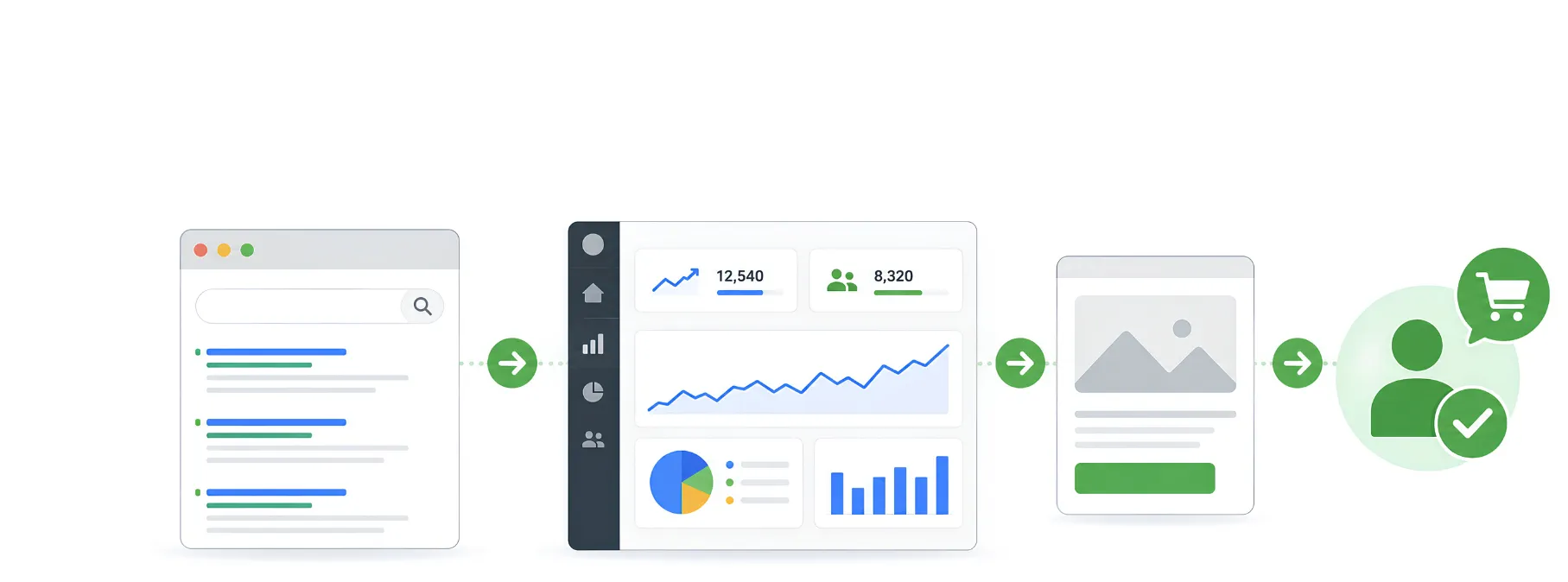
Google lead generation works when precise targeting, strong ad copy, conversion-focused landing pages, and continuous optimisation work together. Effective lead generation ads do not chase clicks alone. They attract suitable prospects, reduce wasted spend, and create a clearer path from search to enquiry.
Google lead generation is the process of using Google Ads to attract potential customers who are actively searching for your products or services. A successful campaign focuses on reaching high-intent audiences, creating persuasive ads, driving visitors to conversion-focused landing pages, and continuously optimising performance to generate qualified enquiries instead of just clicks.
Many businesses receive website traffic from Google Ads but struggle to turn that traffic into real customers. This often happens because campaigns target the wrong audience, use weak messaging, or send visitors to poorly optimised landing pages.
In this guide, you’ll learn how to build effective lead generation ads, choose the right keywords, improve conversions, reduce wasted ad spend, and create a Google lead generation strategy that delivers consistent, high-quality leads.
Getting quality leads with Google Ads for businesses takes more than just creating a campaign. It’s about strategically optimising each element to make sure your ads are reaching the right audience at the right time.
Think about Google’s robust features like Smart Bidding and Responsive Search Ads that optimise your bids and ad copy automatically using performance data. Combine this with detailed audience targeting and keyword research to ensure your ads are being served to people who are looking for the products or services you offer. While paid advertising delivers immediate visibility, combining it with a strong organic strategy creates more sustainable growth. Learn more about paid vs. organic marketing to understand how both approaches work together for better long-term results.

Getting the right keywords is the base of any successful lead generation strategy. Whether you’re investing in SEO or Google Ads, target high-intent keywords with strong buying intent to attract users who are ready to take action.
These terms, such as “best product/service near me” or “industry lead generation services”, are great because they target users who are ready to buy or enquire. High-intent keywords strengthen both your SEO strategy and paid campaigns by attracting qualified traffic with genuine purchase intent.
Picking the right keywords ensures your lead generation ads reach prospects who are ready to convert while also supporting long-term organic visibility.
Your ad copy is a major contributor to clicks and conversions. Be clear, persuasive, and action-oriented. Use strong calls-to-action (CTAs) like “Request a Free Quote” or “Get Started Today” to encourage users to take immediate action.
To increase ad engagement, you should create a sense of urgency by highlighting your unique selling points, testimonials or limited-time offers.
Getting clicks is only the first step, you need to convert those clicks to leads too.
Align your landing pages with your ad messaging and make sure you have a clear value proposition. Trust signals like customer reviews, security badges, or guarantees to reassure visitors. Test multiple elements such as headlines, images, and CTAs with A/B testing to improve and optimise conversion rates.
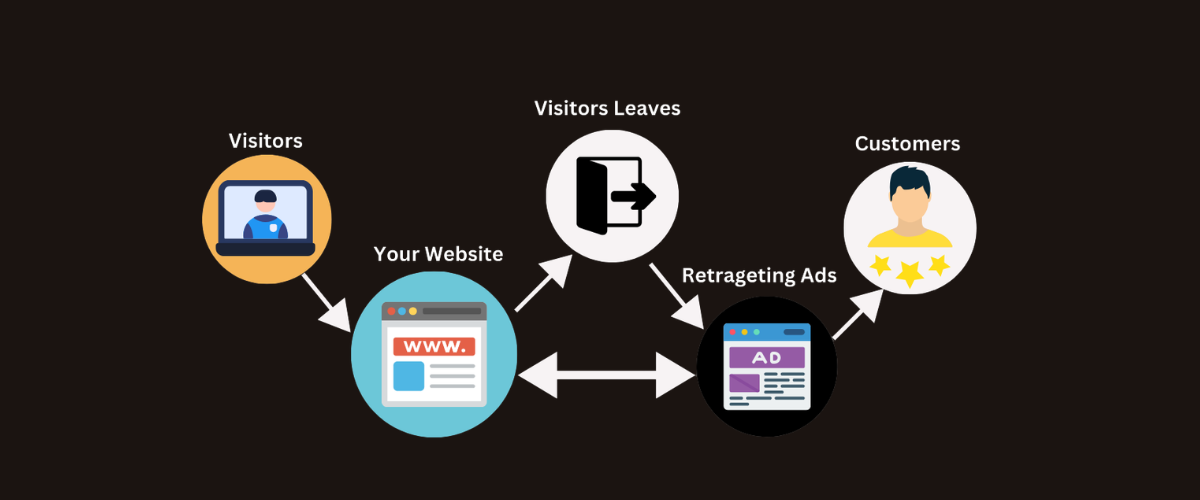
Not all visitors will convert right away, which is where retargeting comes into play. Google Ads allows you to re-engage with visitors to your website who didn’t convert. By serving tailored ads to these users across multiple channels, you will stay at the front of their minds with your business and help motivate them to return and convert.
Lead Form Extensions make it easy for people to share their information directly from the search results without having to visit a landing page to do so. This lowers the friction and makes it easy for users to take action and helps you generate leads instantly.
To ensure your ad budget is spent wisely, include negative keywords in your campaigns. This prevents your ads from appearing for irrelevant or low-intent searches, ensuring that only high-quality leads who align with your target audience are attracted. Just as choosing the right keywords in SEO helps attract relevant organic traffic, negative keywords improve the accuracy of your paid campaigns by filtering out unqualified searches.
By refining your targeting, you optimise your ad spend, improve lead quality, and ensure your SEO and Google Ads keyword strategy works together to drive more qualified traffic.
With Google Ads, you can use different types of ads, such as search ads, display ads, video ads, and shopping ads. Test different formats to see what works best for your business. Video ads, for instance, can engage an audience and drive conversions, while search ads are great for capturing the attention of users who are already looking to buy.
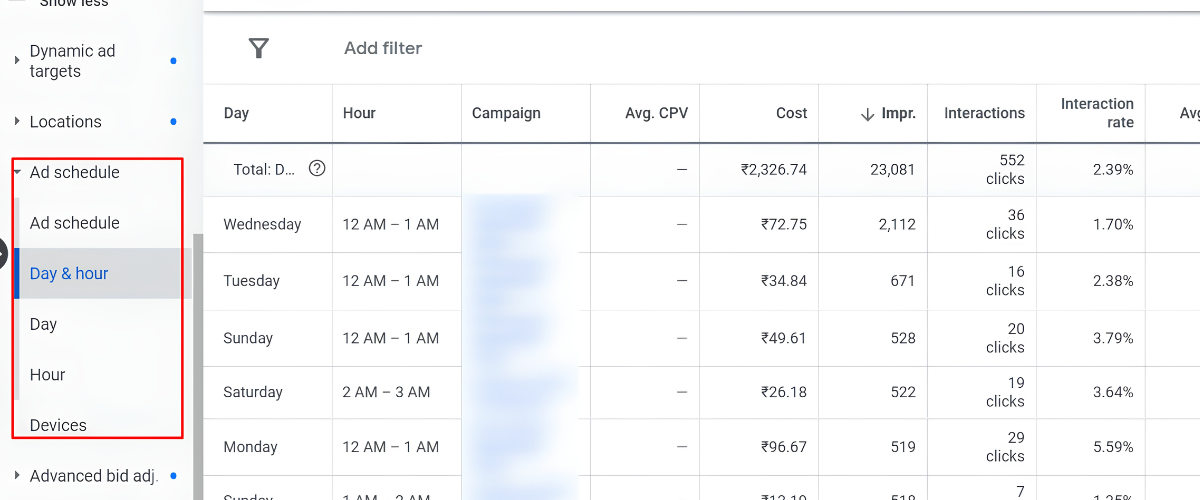
Timing is everything. You can see when your target audience is most likely to convert by looking at the performance data. Then, change your ad schedule so your ads run during those high-converting times to maximise efficiency and cost-effectiveness in your lead generation efforts.
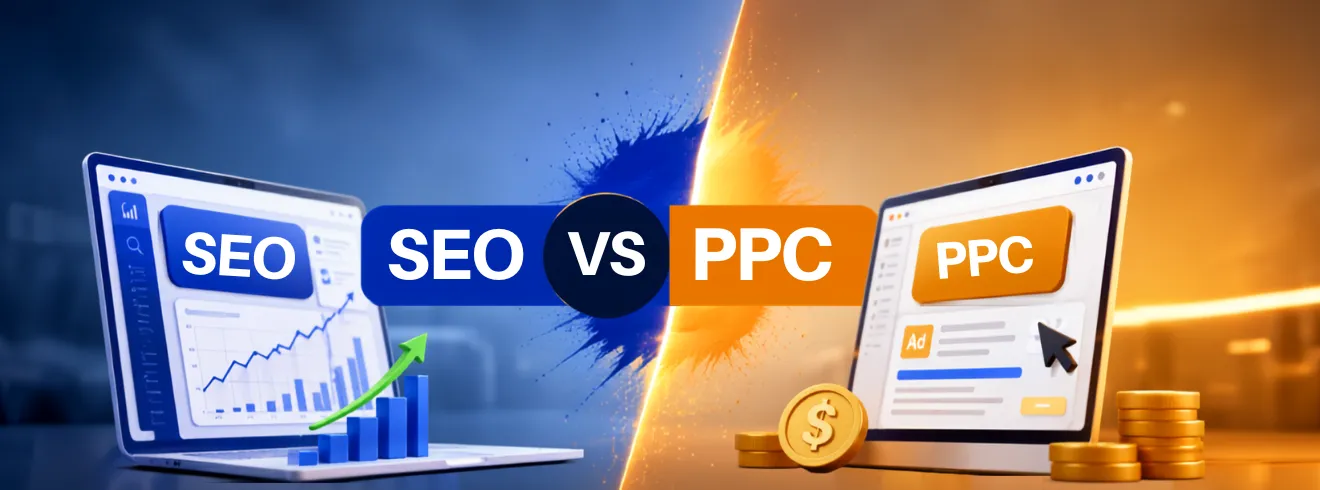
Continuous monitoring and optimisation are key to sustaining lead generation success. Regularly assess important performance metrics like click-through rates (CTR), conversion rates, and cost per lead. Use this data to refine your targeting, adjust your bidding strategies, and improve overall campaign efficiency for better results. Tracking these metrics also helps businesses evaluate SEO vs PPC performance, making it easier to decide where to invest for the highest return and long-term growth.
Setting up a Google Ads for businesses campaign is a straightforward process, but it does require careful attention to detail to ensure it meets your lead generation goals.
Here’s a step-by-step guide to help you create an effective Google Ads campaign.
| Step | Action | Purpose |
|---|---|---|
| 1 | Log in to your Google Ads account or create one. | Access the Google Ads dashboard. |
| 2 | Navigate to the Campaigns tab. | Manage or create advertising campaigns. |
| 3 | Click the + icon and choose New Campaign. | Start creating a campaign. |
| 4 | Choose your advertising objective. | Align the campaign with business goals. |
| 5 | Set conversion goals such as calls or form submissions. | Track meaningful customer actions. |
| 6 | Select a campaign type. | Choose Search, Display, Shopping, or Video. |
| 7 | Choose a campaign subtype. | Customize campaign settings. |
| 8 | Configure targeting, budget, bidding, and schedule. | Control ad delivery and spending. |
| 9 | Create ad groups and write compelling ads. | Improve relevance and conversions. |
| 10 | Review settings and launch the campaign. | Start generating leads and monitor performance. |
Google Ads can bring in leads, but budget and list of keywords are not enough for good results. Accurate targeting, persuasive messaging, conversion-focused landing pages, and constant optimisation are essential for effective Google lead generation.
Lead generation ads should be evaluated based on the quality of enquiries they produce, not just clicks. A good paid marketing agency can help a business cut waste, make better decisions about campaigns and build a more reliable source of growth.
Blacklisted connects every campaign element with the wider business objective. Give us a call and find out how we can do it for your brand.

We are your go-to source for everything digital. We cover marketing tips, design trends, new tech, and how to build your brand. Every post has useful information to keep you updated and ready to tackle the digital world. It’s not just articles; it’s a way to learn, grow, and connect with others navigating the same digital journey.