case study

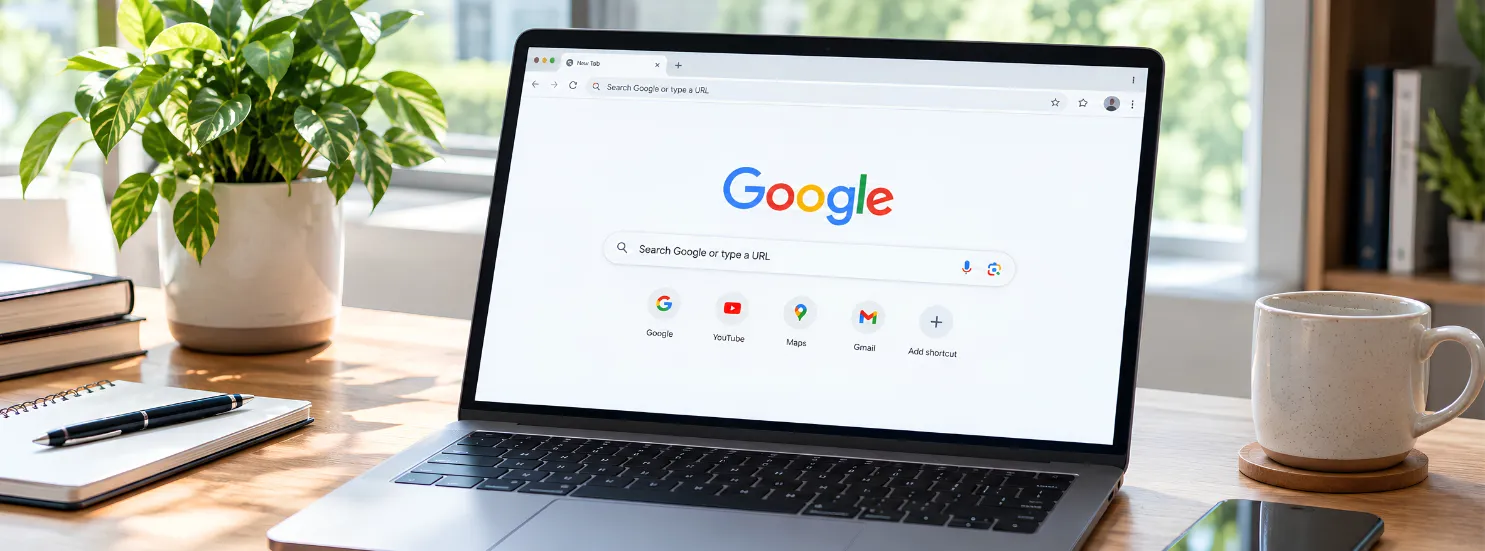
“Search Google or type a URL” gives you two ways to use Chrome’s Omnibox: search Google when you want to discover information or compare options, and type a URL when you already know where you want to go. In simple terms, search to discover and type a URL to navigate directly.
When you open Google Chrome, you have probably seen the phrase “Search Google or type a URL” in the address bar. It gives you two ways to find what you need online: search for information or go directly to a website.
If you don’t know which website has the information you need, searching Google is usually the better option. If you already know the website address, typing the URL directly is faster.
For example, searching “SEO agency in Chandigarh” helps you discover relevant businesses and websites. Typing “blacklisted.agency” takes you directly to the Blacklisted website.
So, which is best?
There is no single answer. It depends on whether you are discovering something or navigating to something you already know.
“Search Google or type a URL” appears in the address bar because modern browsers use the same field for both web searches and direct website navigation. It is a standard browser feature, not an error or warning.
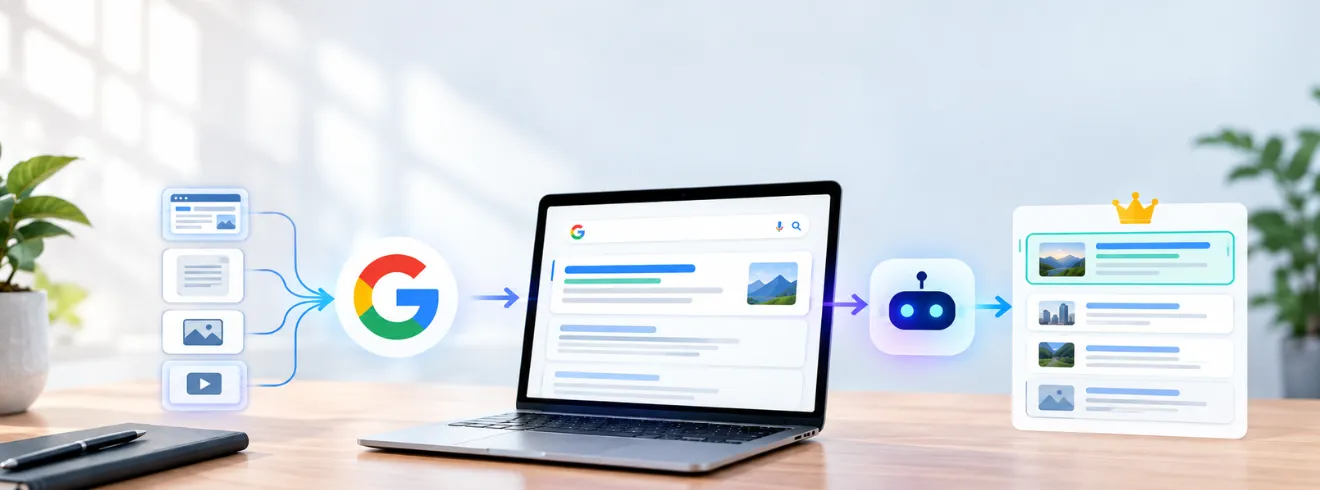
When you start typing, the browser interprets what you enter to determine whether you are looking for information or trying to reach a specific web address. A search query is sent to the browser’s default search engine, which returns relevant results. To understand how search engines crawl, index, and rank webpages, explore our guide to search engine basics. A recognizable web address is treated as a URL and takes you directly to the requested website.
This makes the address bar more than just a place to enter website addresses. It acts as a single point for searching, discovering information, and navigating across the web.
The feature is designed for convenience because users do not have to switch between a separate search box and URL field. They can perform both actions from the same place, depending on what they want to do.
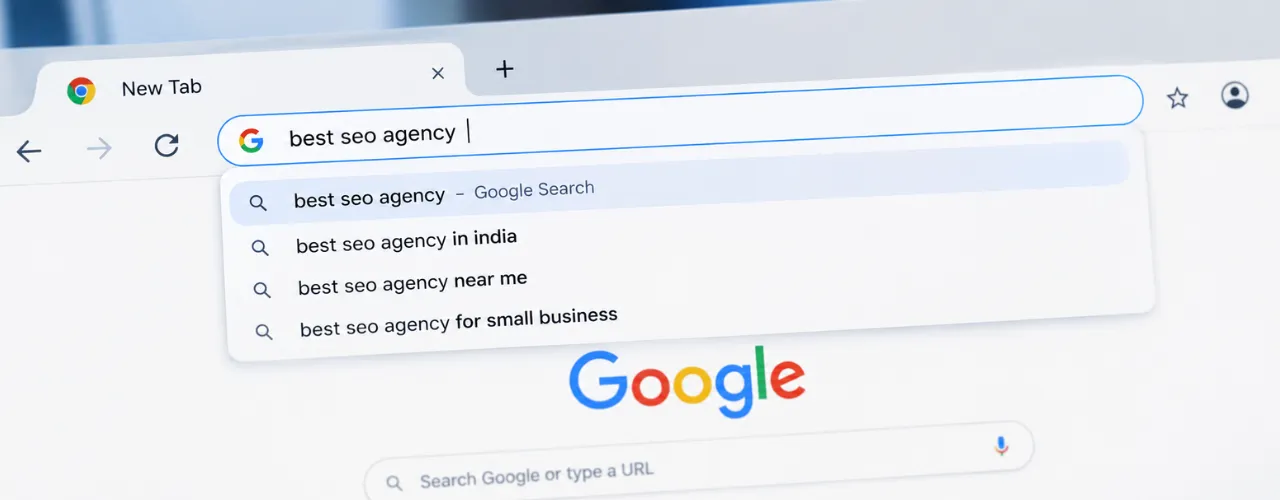
The Chrome Omnibox is the combined address and search bar at the top of the Google Chrome browser. It is called the “Omnibox” because it handles more than just website addresses.
You can use it to enter a web address, search for information, or navigate to online content. Chrome interprets what you enter and determines whether it should open a website directly or send the input to your default search engine.
In simple terms, the Omnibox is one place for both searching the web and navigating the web.
A URL (Uniform Resource Locator) is the web address used to locate a specific webpage or resource on the internet.
takes you to the Blacklisted website, while a URL for a specific article takes you directly to that webpage.
When you type a URL into Chrome’s Omnibox, the browser uses that address to navigate directly to the destination. When you enter a search query instead, the browser sends it to the configured search engine.
In simple terms, a URL tells the browser where to go, while a search query tells the search engine what you want to find.
The main difference is search intent.
| Search Google | Type a URL |
|---|---|
| Helps you discover information or websites | Takes you directly to a known website |
| Uses a search query | Uses a web address |
| Shows search results | Opens the requested destination |
| Useful for research and exploration | Useful for direct navigation |
| Can show several possible websites | Usually takes you to one destination |
When you enter a search query, Google tries to understand what you are looking for and determine the intent behind your search. It then returns results that are most likely to satisfy that intent.
The results can vary depending on what you are searching for. Google may show webpages, articles, videos, images, People Also Ask results, AI Overviews, business listings, or other search features. The type of results you see depends on whether you are looking for an answer, researching a topic, comparing options, or trying to find a product or service.
This makes Google Search useful when you are looking for information rather than a specific destination. You do not need to know which website contains the answer or even know exactly where to start. Google helps you discover relevant sources and choose where you want to go next.
The main advantage of searching is discovery. Instead of navigating directly to a website you already know, you can use a search query to explore different sources, compare information, and find the result that best matches what you need.
The way a website appears for these searches depends on how well its content matches user intent and how effectively the site is optimized. Learn more about building an effective SEO strategy and how search intent, content, technical SEO, and internal linking work together.
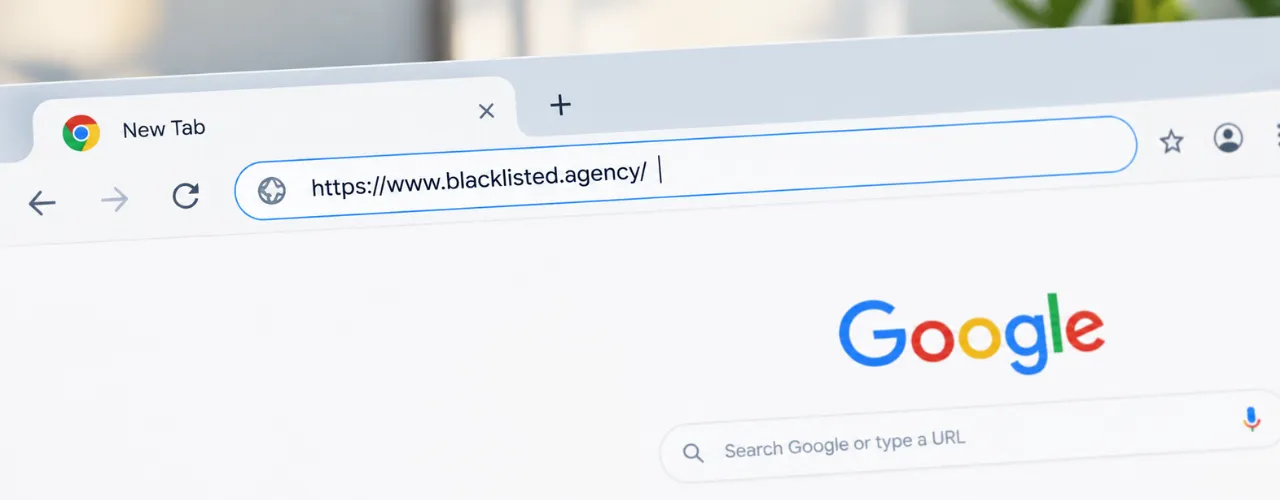
Typing a URL is a more direct way to navigate the web. When you enter a complete web address into Chrome’s Omnibox, the browser recognizes it as a destination and attempts to open that address directly.
A URL can point to an entire website or to a specific page within that website. This means you can reach the exact destination you want without going through a search engine first.
Typing a URL is especially useful when you already know the website or page you want to visit. Instead of entering a search query, reviewing search results, and choosing a result, you can navigate directly to the destination. For example, if you are looking for an SEO company in Chandigarh and already know the business website you want to visit, typing its URL takes you directly to the site.
In simple terms, a URL tells the browser where you want to go, while a search query tells the search engine what you want to find.
The answer depends on what you already know. If you know the exact website address, typing the URL is generally faster because the browser can take you directly to the destination. If you do not know the address, searching is usually more convenient because it helps you discover relevant websites and information.
| Situation | Better option | Why |
|---|---|---|
| You know the exact website | Type the URL | Takes you directly to the destination |
| You do not know the website | Search Google | Helps you discover relevant results |
| You want to compare options | Search Google | Shows multiple relevant results |
Simple rule: Known destination → type the URL. Unknown destination → search Google.
Google Search is ideal for discovery and research, but it is not always the fastest option.
For research and discovery, these disadvantages are usually outweighed by the number of options search provides.
Typing a URL works best when you already know where you want to go.
If you already know the website, however, these disadvantages are generally easy to avoid.
Type a URL when you already know the website or webpage you want to visit.
For example, if you regularly visit a website, entering its address directly can be quicker than searching for it every time.
You can also paste a URL someone has sent you.
This is especially useful when the URL points to a specific page, such as:
Instead of searching for that page, you can go directly to it.
The Chrome Omnibox can do more than open websites or send queries to Google. It also supports several search operators and quick actions that can make everyday browsing faster and more precise.
Google’s site: operator lets you limit your search to pages from a particular website or domain. This is useful when you know a website has the information you need but do not want to manually browse through all of its pages.
Quotation marks can be used when you want Google to search for a specific phrase rather than treating each word independently. This can be helpful when researching a particular term, finding a repeated phrase, or checking how specific wording appears across webpages.
The Omnibox can also handle simple calculations directly. You do not need to open a calculator or another website for basic arithmetic.
| Factor | Search Google | Type a URL |
|---|---|---|
| Purpose | Discover information | Visit a known destination |
| Speed | Usually slower for known websites | Usually faster |
| Knowledge required | Describe what you need | Know the website address |
| Exploration | Excellent | Limited |
| Comparison | Easy | Limited |
| Best for | Questions and research | Direct navigation |
| Example | “SEO agency in Chandigarh” | “blacklisted.agency” |
The important point is that these aren’t competing technologies. They solve different problems.
Typing a URL directly does not automatically improve a website’s Google ranking.
SEO helps search engines understand webpages, evaluate their relevance, and determine which pages should appear for specific searches.
For example, someone searching for “SEO agency in Chandigarh” may discover a business through an organic Google result. Another person may already know the business and type its website URL directly into the browser.
These are two different ways users discover and visit a website.
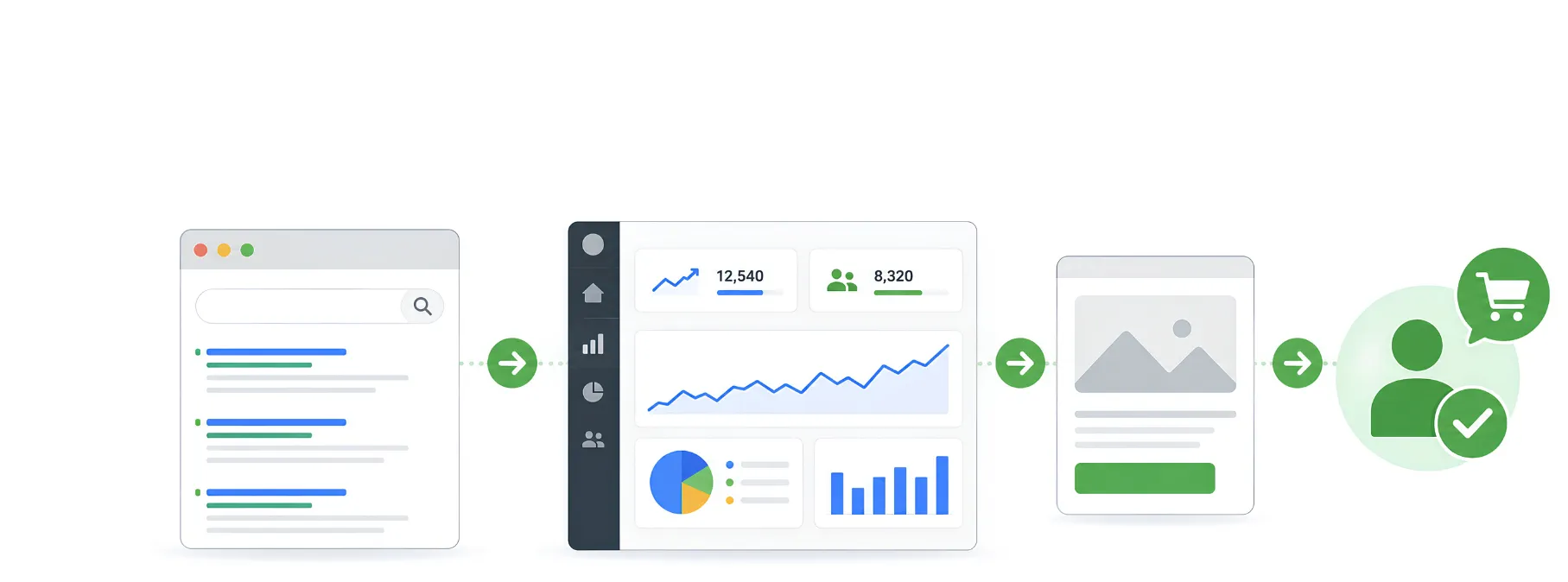
Search visibility helps businesses reach people who may not know the brand yet, while direct visits often happen after users have already become familiar with the brand.
If your goal is to turn search visibility into more qualified visitors, see our guide on how to increase website traffic and the strategies that can help attract and convert the right audience.
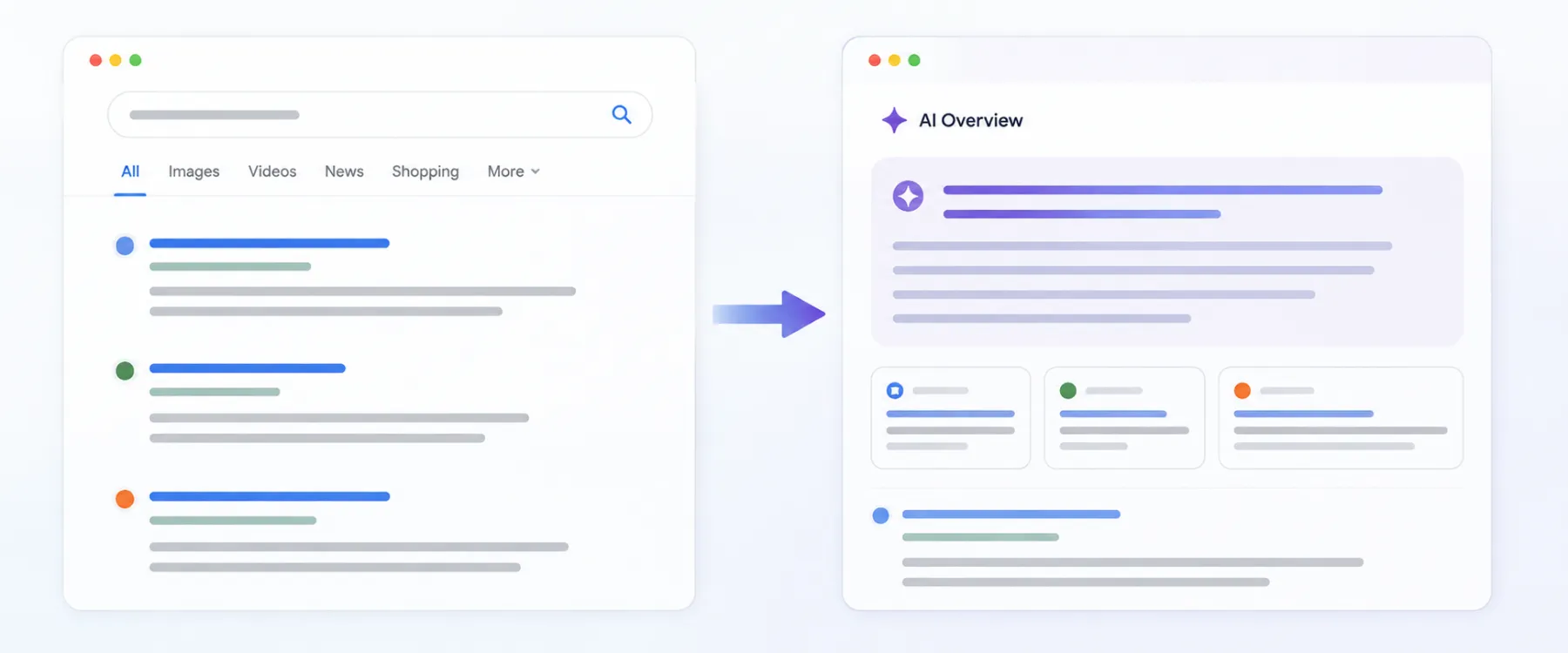
Search is becoming more conversational. Instead of entering only a few keywords, users can ask complete questions and expect a direct answer.
Traditional Google Search generally presents a list of relevant results that users can explore. AI-powered search experiences can understand the context of a question, summarize information, and provide supporting sources.
If you want to explore this shift in more detail, read our guide to Google Search AI and how AI is changing search.
| Traditional Search | AI Search |
|---|---|
| Uses keywords or questions | Uses conversational questions |
| Shows relevant search results | Can provide a synthesized answer |
| Users review different sources | Can summarize information from multiple sources |
| May require multiple searches | Can support follow-up questions |
AI search does not replace traditional search. Both help users discover information, compare sources, and reach websites.
For content creators and businesses, this makes clear, useful, and well-structured information increasingly important. Content should answer the main question directly, explain concepts accurately, and provide enough context for search systems to understand the topic.
The better option depends on what you are trying to do. Search is useful when you are looking for information or exploring your options, while typing a URL is better when you already know the website you want to visit.
| Search Google | Type a URL |
|---|---|
| Best when you want to discover information | Best when you already know where you want to go |
| Useful for questions, research, and comparisons | Takes you directly to a known website or page |
| Shows multiple possible sources and results | Avoids the need to go through search results |
| Ideal when the destination is unknown | Ideal when the destination is already known |
The choice between searching Google or typing a URL depends on what you are trying to accomplish.
If you don’t know where to find something, search Google. It can help you discover websites, answers, products, services, and other information. If you already know where you want to go, type the URL to reach the website or webpage directly.
Modern browsers make both options available through the same Omnibox, making web browsing faster and more flexible. As search continues to evolve through AI-powered results and conversational queries, understanding how people search and navigate the web is becoming increasingly important for businesses and content creators.
For brands such as Blacklisted, creating useful, search-focused content helps users discover relevant information while building visibility across modern search experiences. Businesses looking to strengthen their online presence can also explore our creative agency services for strategy, branding, content, and digital experiences.
The fundamental difference remains simple: search Google when you want to discover; type a URL when you already know your destination.

We are your go-to source for everything digital. We cover marketing tips, design trends, new tech, and how to build your brand. Every post has useful information to keep you updated and ready to tackle the digital world. It’s not just articles; it’s a way to learn, grow, and connect with others navigating the same digital journey.