case study

You can no longer create a Google People Card. To add your information to Google Search, explore eligible Google Search Profiles, create a Google Business Profile if you operate a local business, build a professional website and use Google Search Console to monitor indexing. These methods improve discoverability but do not guarantee rankings or a Knowledge Panel.
If you want to add me to Google search and make your name, website or business appear when people search online, you need to establish a credible digital presence. Google no longer offers its old People Cards feature, but eligible creators can now use Google Search Profiles, businesses can create Google Business Profiles, and professionals can improve their discoverability through websites, public profiles and SEO.
The best method depends on what you want people to find. A creator may benefit from a Search Profile, a local business can use Google Business Profile, and a professional can build visibility through an optimised website and consistent online information.
This guide explains how to add yourself to Google Search using the current available methods, how Google discovers your information, and which SEO practices can help improve your online visibility in 2026.
The search phrase add me to Google search generally refers to making your personal or business information discoverable when someone searches for your name, profession or brand.
Previously, Google offered People Cards, a feature that allowed individuals in supported regions to create virtual profiles containing their name, occupation, description, website and social media links.
However, Google discontinued People Cards in April 2024. You can no longer create a new People Card or update an existing one.
Today, Google provides different options depending on your online identity and purpose.
| What Do You Want to Achieve? | Which Option Should You Use? |
|---|---|
| Showcase your creator identity | Google Search Profile |
| Display your local business information | Google Business Profile |
| Manage an existing information panel | Google Knowledge Panel Claim |
| Build professional visibility | Personal Website and SEO |
| Improve website discovery | Google Search Console |
Understanding these options is an important part of search engine basics, including how Google discovers, crawls, indexes and ranks webpages.
Note: Google discontinued People Cards on April 7, 2024. The following steps explain how the feature worked when it was available and cannot be used to create a new card today.
Google People Cards were virtual profile cards that allowed individuals to display their name, profession, location, short bio, website and social media links directly in Google Search. The feature helped professionals, freelancers and creators build a public online presence and make their information easier to discover.
When Google People Cards were available, users could create one by following these steps:
Can you still create a Google People Card?
No. Google discontinued People Cards on April 7, 2024. Users can no longer create new cards or update existing ones. If you want to add me to Google search today, consider current alternatives such as eligible Google Search Profiles, a professional website and credible public online profiles. These options can help establish your online presence, although none guarantees a particular position in Google Search.
There is no single process for everyone. The following methods explain how creators, professionals and businesses can improve their visibility.
| Google Visibility Method | Primary Purpose | Who Can Use It? |
|---|---|---|
| Google Search Profile | Bring creator profiles, websites and social links together. | Eligible creators and publishers |
| Google Business Profile | Display business information on Google Search and Maps. | Eligible local businesses |
| Google Knowledge Panel | Display information about recognised people, brands and organisations. | Eligible people, brands and organisations |
| Professional Website | Showcase your name, expertise, services and achievements. | Professionals, freelancers and consultants |
| Google Search Console | Monitor website indexing and search performance. | Website owners and SEO professionals |
Avoiding these mistakes can help you build a more credible online presence and make it easier for Google to discover relevant information about you.
Google Search Profiles provide eligible creators, publishers and organisations with a shareable profile that brings their public content, social accounts and website links together.
Google currently supports Search Profiles in India, Canada and the United States.
Who is eligible to create a Google Search Profile?
According to Google’s current eligibility requirements:
How can you create your Google Search Profile?
Once created, your Search Profile can help people discover your public content through Google Search and Google Discover.
Important: Google confirms that creating a Search Profile does not directly improve your content’s organic ranking. It is an identity and content-discovery feature, not an SEO ranking shortcut.
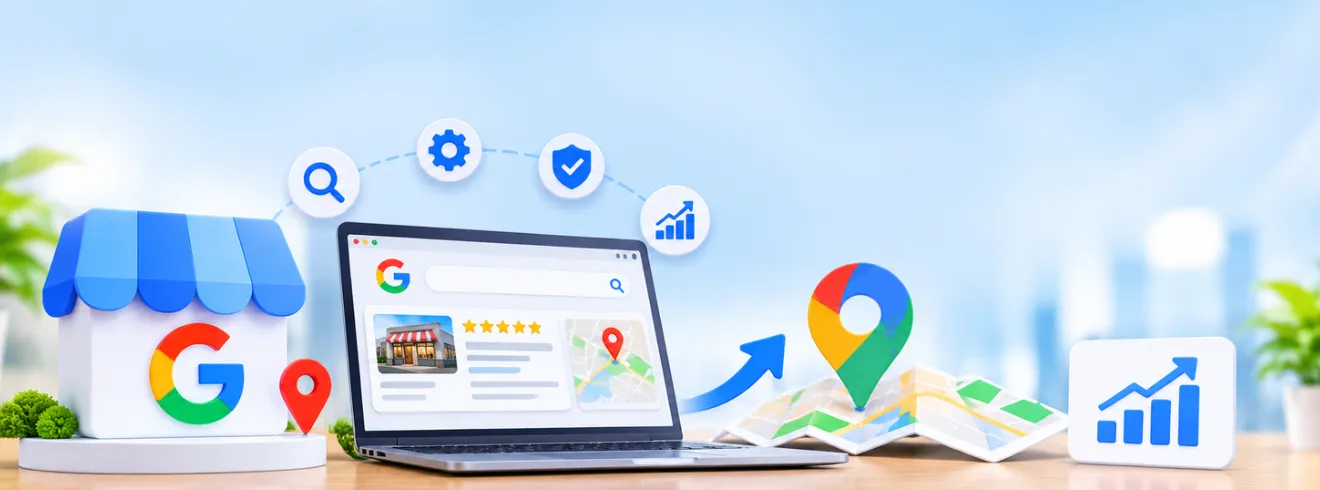
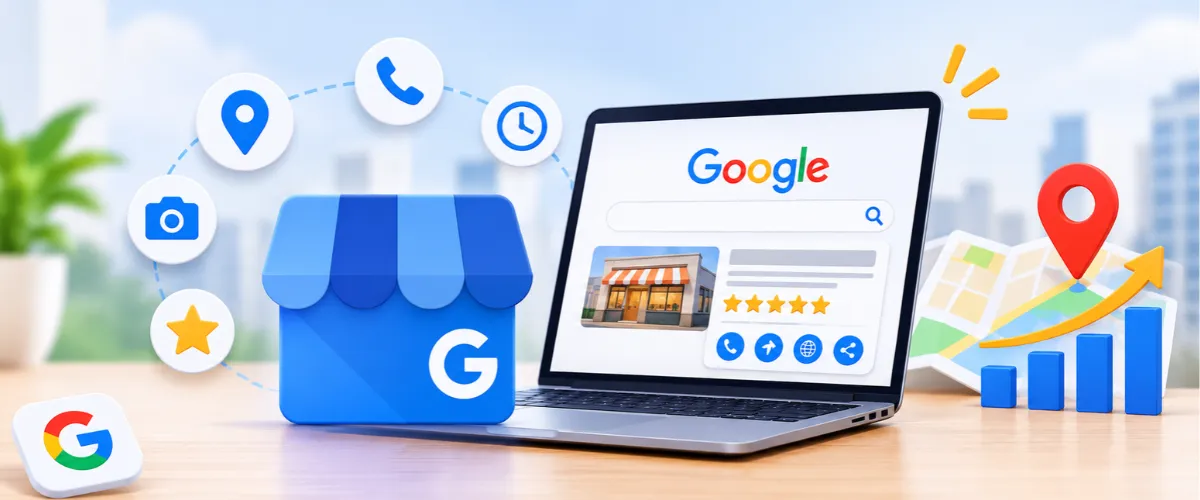
If you own a local business, Google Business Profile is one of the most useful tools for improving your business’s visibility in Google Search and Maps.
It allows eligible businesses to manage important information such as:
How can you create a Google Business Profile?
Once verified, you can manage your business information and help potential customers find your services.
For businesses targeting a specific geographical area, combining Google Business Profile with local SEO can strengthen location-based visibility.
Explore our Local SEO Checklist understand how business listings, location pages, reviews and local optimisation contribute to search visibility.
A Google Knowledge Panel is an information box that can appear when users search for certain people, organisations, businesses and other entities.
Unlike a manually created profile, Google generates Knowledge Panels automatically using information collected from different sources across the web.
If an eligible Knowledge Panel already exists for you or your organisation, you may be able to claim it.
How can you claim your Knowledge Panel?
After verification, you may be able to suggest corrections to information displayed in the panel.
However, claiming a Knowledge Panel does not give you complete control over Google’s search results. Google determines whether a panel appears and what information it displays.
You cannot purchase a guaranteed Knowledge Panel.
A professional website gives Google and potential visitors a central place to understand who you are, what you do and what information you provide.
Whether you are a freelancer, consultant, entrepreneur or business owner, your website can support your long-term online visibility.
What should your professional website include?
For example, a consultant can publish industry insights, while a designer can showcase original projects and a business can create service pages explaining its offerings.
Use your real professional or business name consistently across your website and public profiles.
A website does not automatically appear on Google just because it has been published. Google must first discover and process its pages.
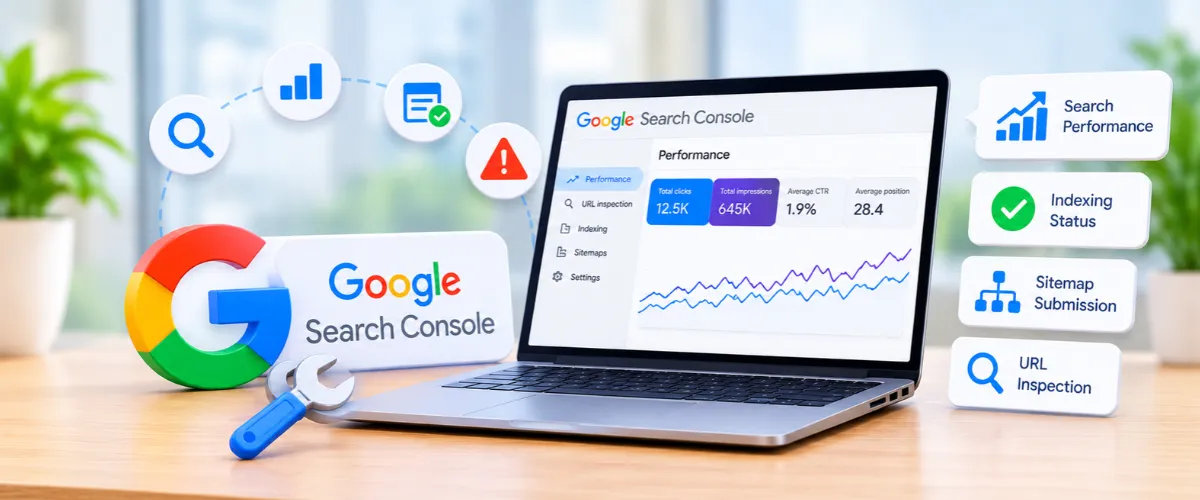
Google Search Console is a free tool that helps website owners understand how their websites perform in Google Search.
It provides information about search impressions, clicks, indexing, search queries and technical issues.
How can you use Google Search Console?
Google Search Console helps you understand whether Google can access and process your website. However, submitting a sitemap or requesting indexing does not guarantee that a page will be indexed or ranked.
Creating a website or public profile is only the first step towards improving your visibility. You also need to make your information easy to discover, consistent and useful for people searching for your name or professional services.
Follow these five steps:
These steps help establish a connected online presence and give search engines more relevant information about your professional identity.
If you want to add me to Google search and improve your online visibility, avoid mistakes that can make your information difficult to discover, understand or trust. Here are five common mistakes to watch out for:
Avoiding these mistakes can help you maintain a consistent online presence and make your information easier for search engines and potential visitors to understand.
Improving your Google visibility requires consistent effort across your website, online profiles and content. A structured 30-day plan can help you organise these activities and build a stronger online presence.
| Timeline | What Should You Do? |
|---|---|
| Days 1–7 | Create or update your professional website, social profiles and Google Business Profile, if eligible. |
| Days 8–14 | Optimise your About page, business information, page titles and descriptions. |
| Days 15–21 | Publish useful content and build relevant internal links and credible online mentions. |
| Days 22–30 | Submit your sitemap, inspect important URLs and monitor indexing and search performance in Google Search Console. |
Building search visibility is also about attracting the right visitors to your website. Explore our guide on how to increase website traffic to learn how keyword targeting, useful content, organic SEO and conversion optimisation can help businesses attract more qualified visitors.
Remember that this is an action plan, not a ranking guarantee. Google may take longer to discover, crawl, index and rank your pages.
SEO helps people discover your name, website or business when they search for relevant information on Google. By improving website content, technical performance, search relevance and online authority, you can make your professional information easier for search engines to understand and display.
If you want to add me to Google search, focus on these SEO practices:
Understanding how visitors move from discovering your website to taking action is also important. Read our guide on what an SEO funnel is to understand how search visibility can support customer acquisition.
Businesses looking to improve their local visibility can also work with an experienced SEO Company in Chandigarh to develop a strategy around local keywords, Google Business Profile optimisation, technical SEO and relevant content.
If you want to add me to Google search, start by building a credible online presence through a professional website, optimised social media profiles, relevant online mentions and consistent SEO practices. Although Google discontinued People Cards, options such as eligible Google Search Profiles, Google Business Profiles and search-optimised websites can still help people discover your professional or business information.
Long-term Google visibility requires more than creating an online profile. Focus on publishing useful content, improving technical SEO, building relevant backlinks and maintaining consistent business information. Blacklisted, a creative agency offering SEO, branding and digital marketing solutions, helps businesses strengthen their online presence through strategic optimisation and data-driven marketing.
Whether you are building a personal brand or growing a business, the right digital strategy can make your information easier to discover across Google Search and other online platforms.

We are your go-to source for everything digital. We cover marketing tips, design trends, new tech, and how to build your brand. Every post has useful information to keep you updated and ready to tackle the digital world. It’s not just articles; it’s a way to learn, grow, and connect with others navigating the same digital journey.